




Your Power in Your hands

Energy and bill saving solutions for your home

Download the app

See your power

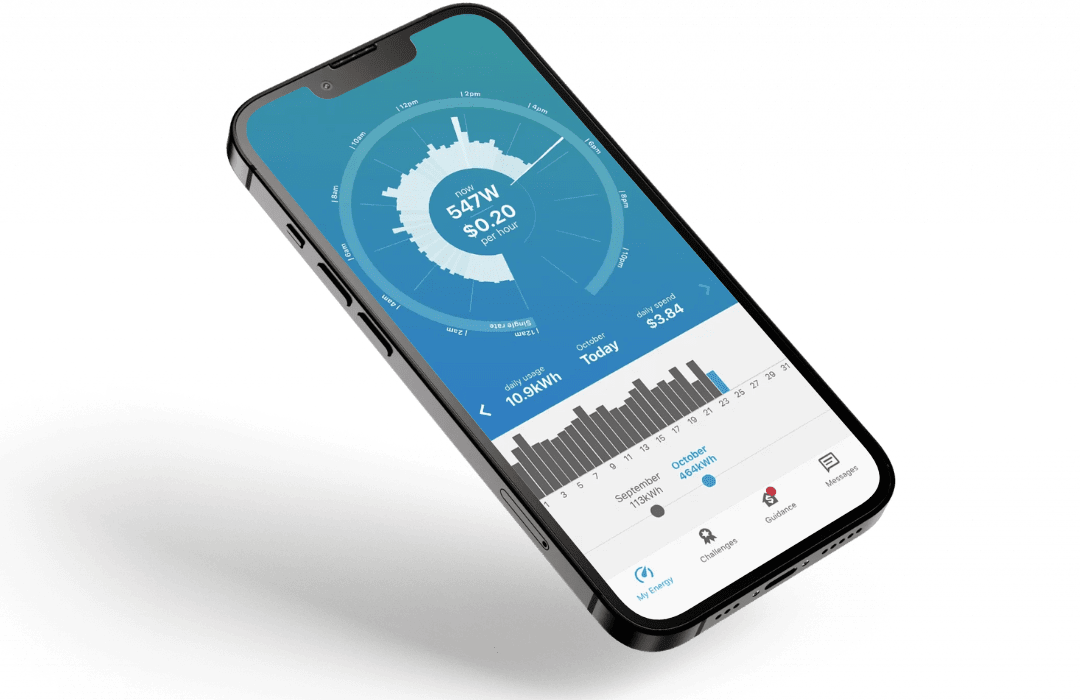
It all starts with understanding your energy usage – in real time.

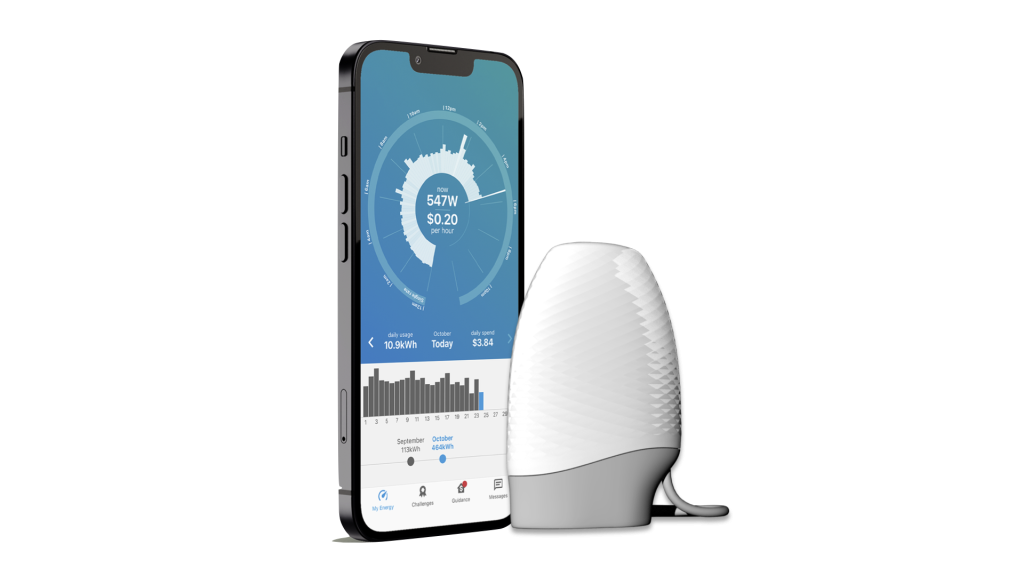
The Powerpal energy monitor plugs into your smart meter and connects to your phone so you can see how your appliances and devices consume energy, helping you to make smarter choices and lower your bill.

  • Real-time energy insights including how much each appliance costs to run
  • Discover new ways to save with personalised recommendations based on your usage

Download the app

The Powerpal app on a phone next to the Powerpal energy monitor

Install Powerpal on your meter

Powerpal is incredibly easy to self-install and only takes two minutes to connect to your electricity meter.

Take care any time you’re working near your meter box. Do not touch any wires or exposed terminals. Do not modify any electrical equipment. If you are unsure about the installation process or not confident in your ability to install your Powerpal safely please arrange for a qualified electrician to handle the installation for you.

You can confirm that your home is compatible with Powerpal and find specific instructions for installing Powerpal on your own meter in our compatible meters list.

Watch how to install
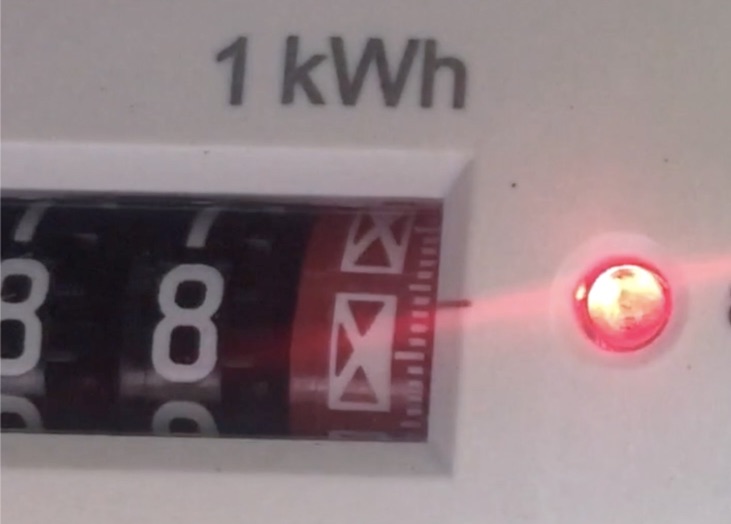
  1. The flashing red light on the front of an electricity meter

    Find your flashing red light

    Find the red light on the front of your electricity meter which flashes when you use power.

    It’s important to identify the correct red light for your meter which may have more than one. The light may be round or rectangular.

    If in doubt, turn on a high-use appliance like a heater or electric oven and watch for the flashes!

    If you have solar your red light will not flash during the day when you are not using power from the grid – wait until dusk or turn the kettle on!

    You’ll find specific instructions for your meter in our compatible meters list.

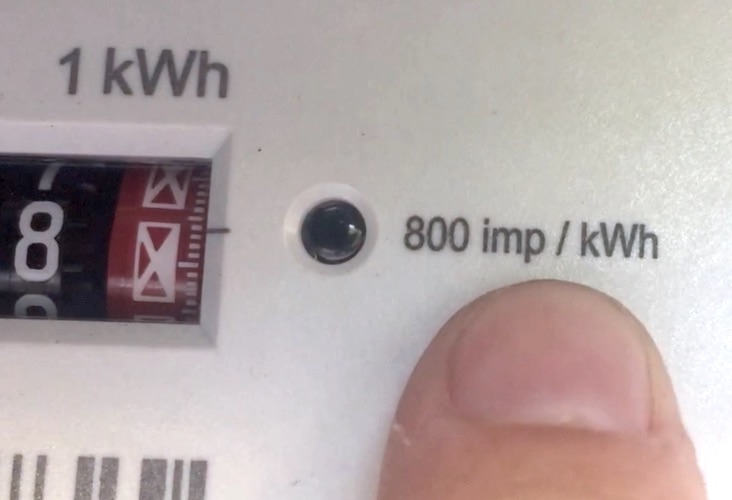
  2. Close-up of a meter’s red light with the label 800 imp/kWh printed next to it

    Make a note of the flash rate

    Make a note of the text which explains how many times your meter flashes for each kWh of energy your home uses. You’ll need this number later on after installing the Powerpal app.

    This number is printed on the front of your electricity meter close to where you attached the Powerpal sensor.

    If your meter is labelled 1Wh/imp your flash rate is 1000.

    You’ll find specific instructions for your meter in our compatible meters list.

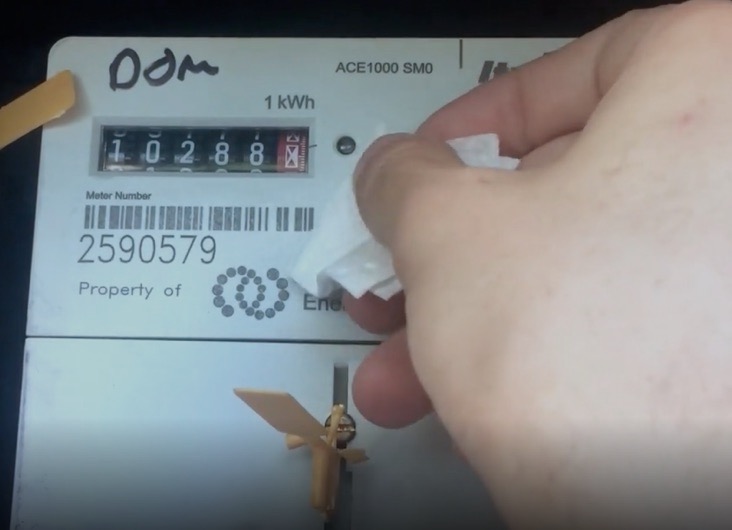
  3. Wiping the meter face around the red light with an alcohol wipe

    Clean the meter face

    Use the included alcohol wipe to clean the area around the red light.

    Allow the cleaned area to dry for at least 60 seconds before proceeding to the next step.

    If you do not thoroughly clean the meter face your Powerpal’s adhesive may fail after weeks or months of use.

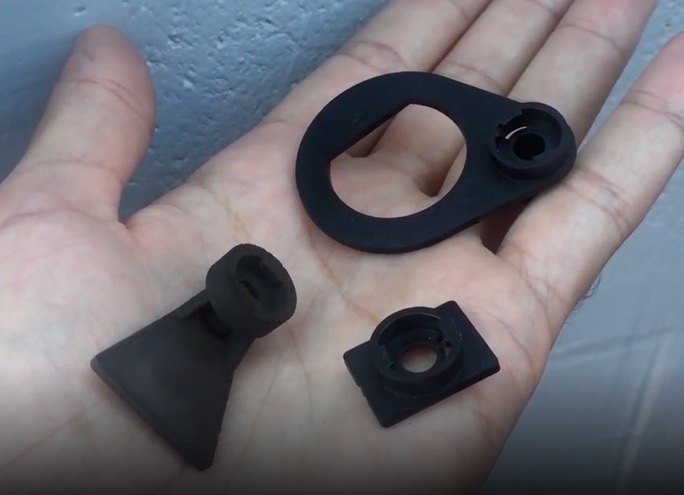
  4. The Powerpal mounting plates

    Select the correct mounting plate

    Select the best sticky-backed plastic mounting plate for your meter type. In most cases this will be the square plate.

    If you have an iCredit meter you will need to place the circular ring mount around the protrusion next to your red light.

    You’ll find specific instructions for your meter in our compatible meters list.

    Avoid locating the mount over any stickers on the front of the meter as this may prevent the glue from bonding strongly to the meter face. Using the triangular mount may help avoid the sticker.

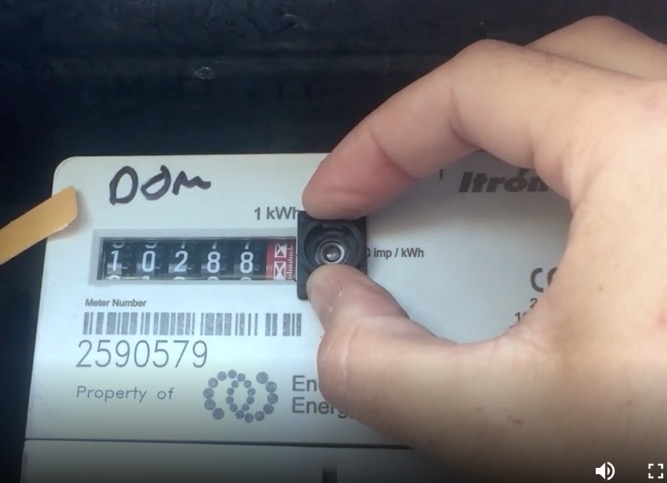
  5. Pressing the mounting plate onto the meter over the red light

    Stick the mounting plate over the red light

    Remove the backing tape from the mount to reveal the adhesive glue.

    Carefully locate the mount over the flashing red light, ensuring that the light is visible through the small hole in the mounting plate.

    Once alignment is confirmed press the mount firmly against the meter face for at least 30 seconds to allow the glue to bond to the meter face.

    Do not adjust the mount after fitment as this will break the bonding of the glue to the meter face. If the mount must be relocated please use a new mount; do not reuse the old one.

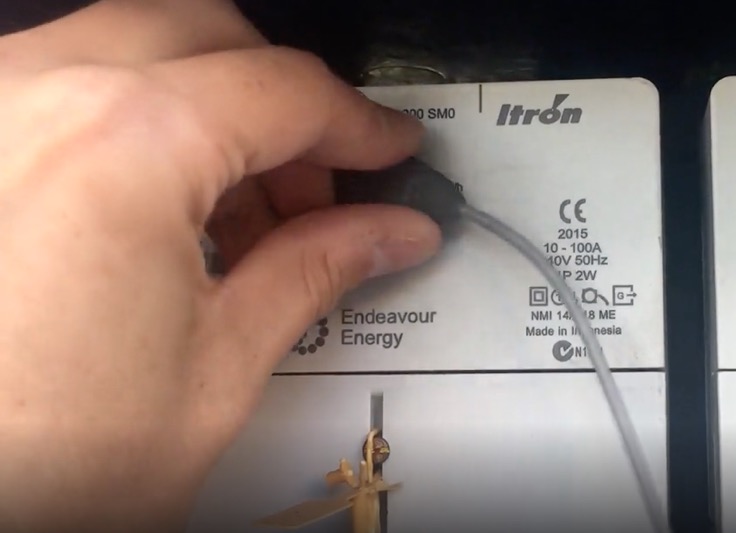
  6. Twisting the Powerpal sensor into the mounting plate

    Attach the sensor to the mounting plate

    Carefully place the small sensor into the mount with the wire facing to the right.

    Gently twist the sensor in a clockwise direction until it clicks into place with the wire hanging down freely.

    If you ever need to remove your Powerpal in the future, rotate the sensor anti-clockwise to unlock it.

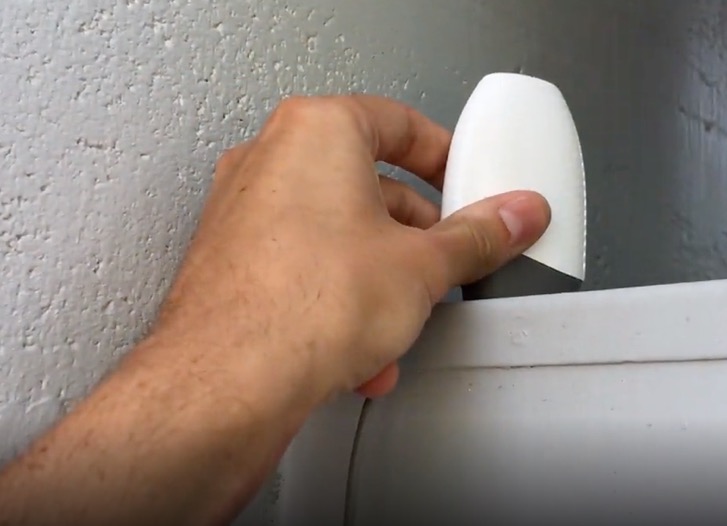
  7. The Powerpal unit standing upright on top of a meter box

    Place Powerpal on top of the meter box

    Place the main Powerpal unit on the top of the meter cabinet. The base of the unit contains strong magnets that will hold it in place.

    To ensure a strong bluetooth signal, your Powerpal must be placed:

    • Upright, resting on its “foot”
    • On top of the meter cabinet (not inside it!)
    • At least 3cm away from the wall

    Your Powerpal is waterproof and UV resistant and is safe to leave exposed to the elements. If it is not placed outside the metal cabinet you will find the bluetooth range is severely reduced.

    If your meter is not installed in a metal cabinet please send a photo of your meter to Powerpal support and we’ll talk you through alternative mounting options.

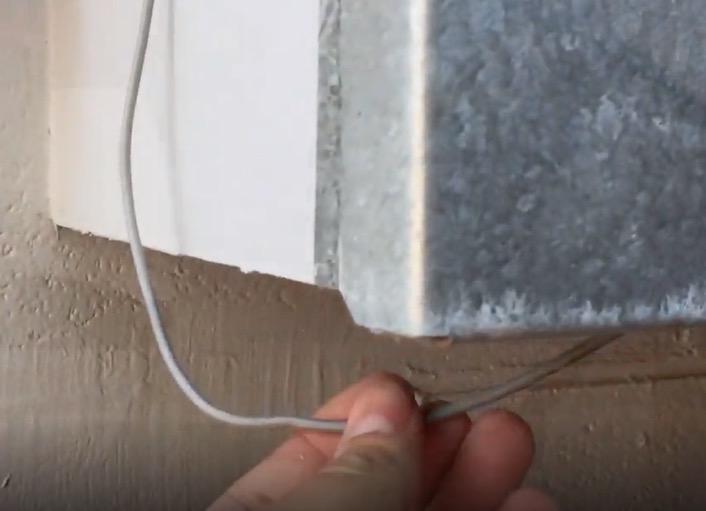
  8. The sensor cable running down into the bottom of the meter box

    Tidy up the cable

    Tidy any excess cable into the bottom of the meter box by folding it neatly.

    Use the provided twist cable tie to bundle excess cable if required.

    Ensure the cable runs down the full length of the meter box and enters via the bottom of the cabinet, not the side. This is to avoid the risk of rain water running down the cable and into the meter box.

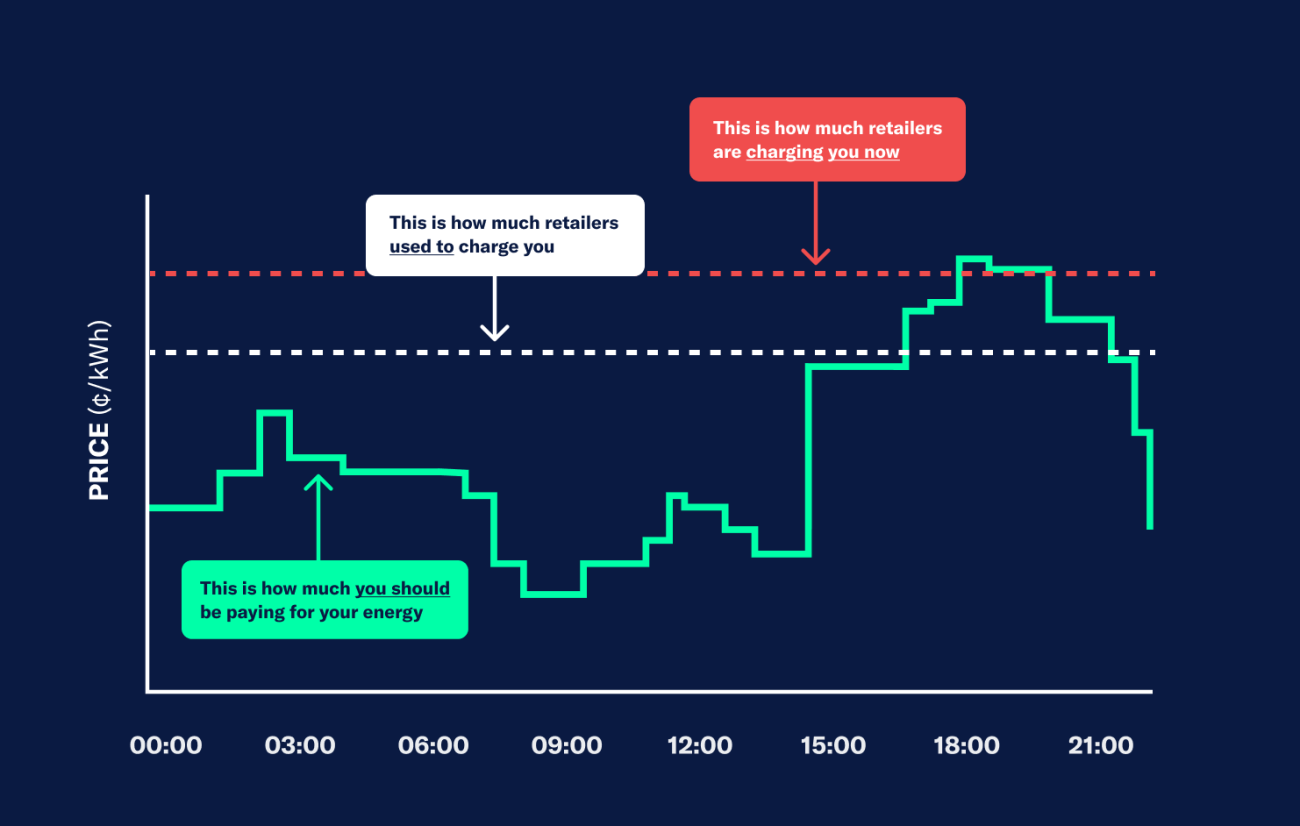
Chart comparing what retailers charge with wholesale energy prices across a day

Wholesale Energy Plans


Powerpal is part of Amber, an energy retailer that enables households to access wholesale energy prices for a monthly fee of $25, helping you to save on your bills. Use energy when there is more renewables in the grid and support an Australian energy company backed by the Commonwealth bank.

Find Out More

As seen on

A Current Affair 7 News Fight for Planet A 9 News

What our users say

David Graham

Great product. I can instantly see what power I am using from the grid. This helps me plan when to use appliances when I have good solar coming in. For example I have changed my pool filtration time to suit the Solar power and not use grid power. love it


Robert Brain

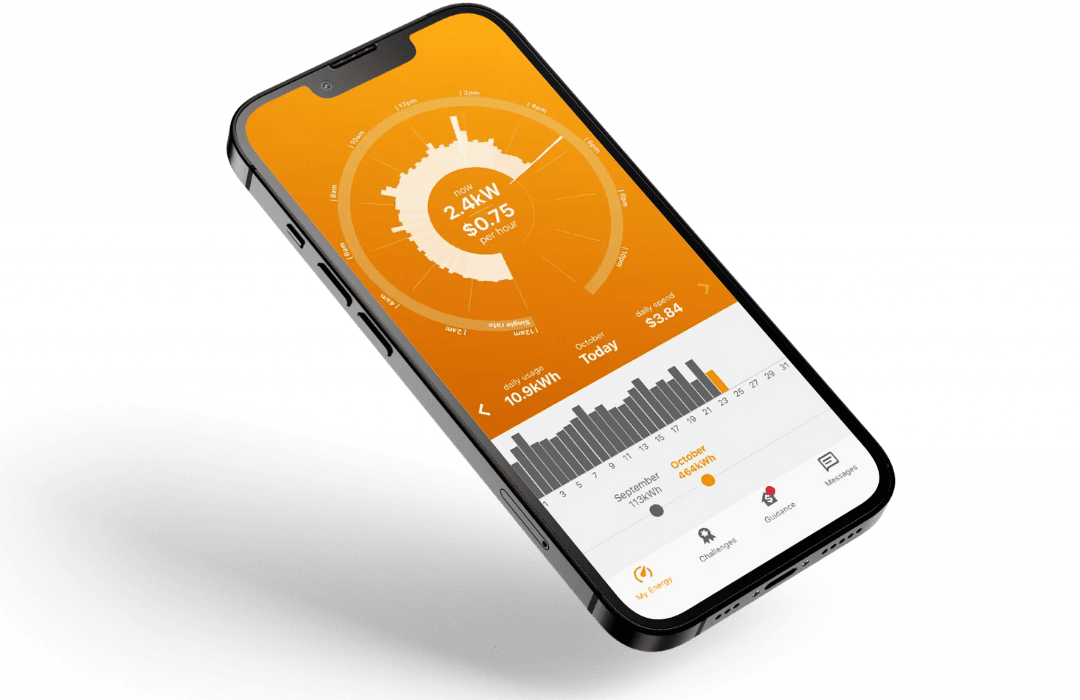
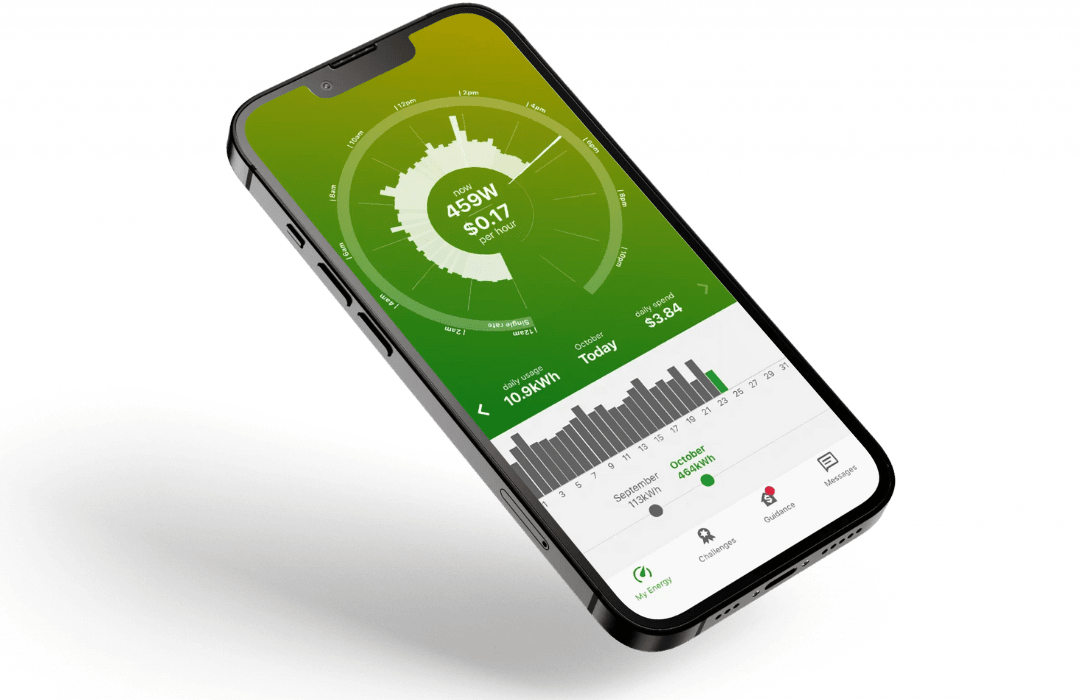
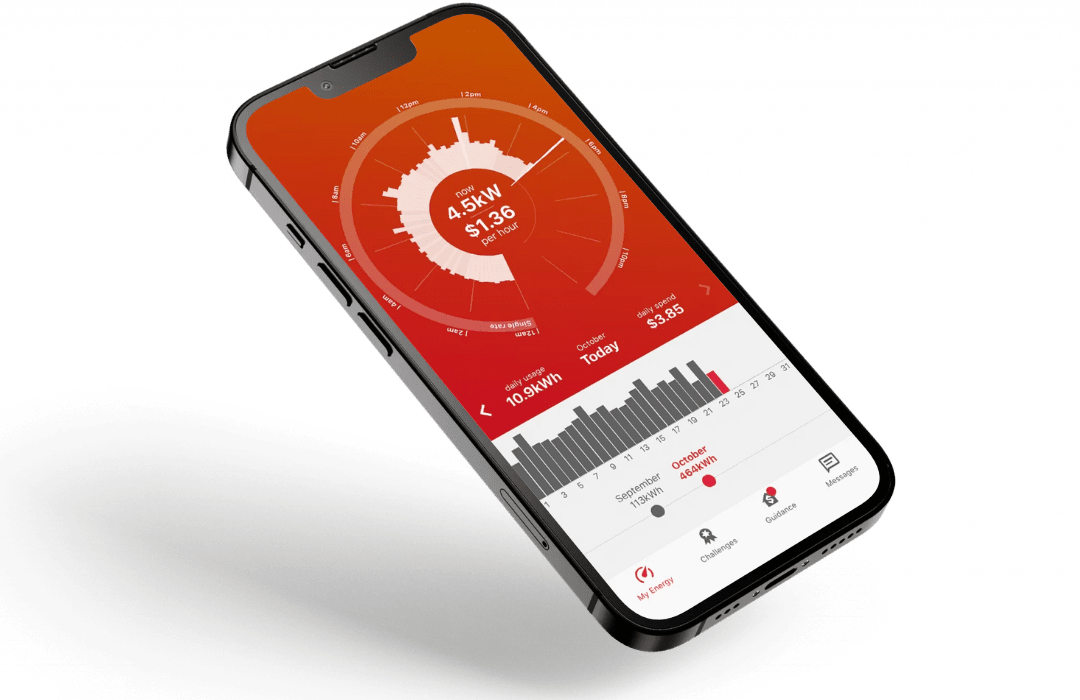
I was surprised at how useful the Powerpal app is. The phone app connects via Bluetooth, and receives updated household power consumption data every few seconds. The special graph in the app shows the amount of power being consumed in real time. Turn on an appliance, and within seconds the graph shows the change. And with your electricity plan costs entered into the app, it shows you the actual cost per hour. Turn your fridge off for a few seconds, and you'll see the difference on the graph.

Monica Allan

This is a great app, it helps me see what's draining our electricity, So i can decide when is the best time for washing ect. Plus i can connect and disconnect whenever i choose to view my usage via Bluetooth. Great idea 💡 i wasn't keen at first but now I'm very pleased with this app. plus its free, the installation was fast contact free and the gentleman was very polite and answered my barrage of questions and concerns very technically and honestly.

Andrew Blake

So good to be able to see not only power usage but to also identify individual items that are drawing current. A real eye opener for the kids to know the added cost of leaving powered items on. Combined with REAMPED energy supplier, we are already saving $$. Only had it active for a couple of weeks & check it a couple of times a day. Absolutely no problem with Bluetooth link so I'm not sure why other feedback reflects issues in this area.

Cheaper bills, less CO2

Powerpal is helping hundreds of thousands of Australian homes reduce their carbon footprint and slash their electricity bills.

196,933 tonnes

Less Co2 Produced

$65,378,000

saved on electricity bills

Get the Powerpal app on Google Play Download the Powerpal app on the App Store